Remote Work
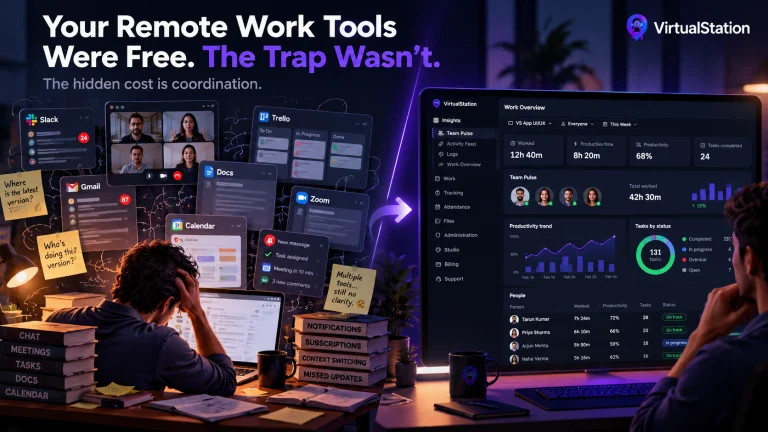
Your Remote Work Tools Were Free. The Trap Wasn’t.
The biggest expense of remote work isn't always salaries or office space. Sometimes it's the software stack you built to save money.
Any project, any task, anyone on your team. Ask in plain words or tag it in any chat, then hand it the work and just confirm.
No report to build and no one to interrupt. Ask the way you would ask a colleague.
What's done on the website launch, and what's left?
Is anyone overloaded on this sprint?
Where did our hours go this month, by project?
Who is out in the next two weeks, and does it put a deadline at risk?
How healthy is attendance across the company this month?
What does our leave policy say about carry over?
Right in the conversation
Type @Context in a direct message, group or room. The answer lands in the chat, for everyone there to see.
Delegate
Tell it what you need, check what it prepared, and confirm. Nothing changes until you do.
No extra AI tool to connect. Your work is already here, and answers show where they came from.
Status, deadlines, sprints and what's blocking them.
Tracked time, attendance, leave and who has room.
Summaries of the meetings you were part of, and your team's standups.
Add your company's documents and ask questions about them.
Coming soonConnect Gmail, Google Calendar and your other tools.
Company Context follows the same access rules as the rest of VirtualStation.
An answer never includes anything the person asking couldn't open themselves.
No one, Admins included, can ask it to read a chat they aren't part of.
Admins can review how it's used, but the text of an ordinary question stays with the person who asked.
It can't change billing or roles, or remove people. Those stay with your Admins.
Company Context sits inside your virtual office, next to your projects, meetings and time.
The biggest expense of remote work isn't always salaries or office space. Sometimes it's the software stack you built to save money.
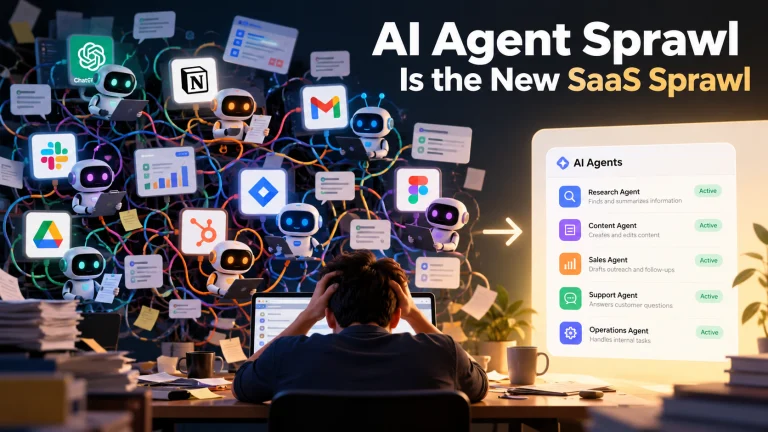
Every agent you add produces work someone has to review and route. Here's why more AI can mean more coordination, and what to do about it.
Pricing
Free for up to 5 people. Pro is $15 per person a month, or $12 billed yearly. Every new workspace gets 14 days of Pro free.