Saurabh Rai
AI Agent Sprawl Is the New SaaS Sprawl
Every agent you add produces work someone has to review and route. Here's why more AI can mean more coordination, and what to do about it.
On this page
- We Have Seen This Movie Before
- An App Waits for You. An Agent Doesn’t.
- The Job Nobody Hired For
- Why Small Teams Feel It First
- What to Do This Week
- 1. Run a one-page agent audit
- 2. Count landing places, not agents
- 3. Give every agent a human owner
- 4. Measure outcomes, not activity
- The Fewer Places, the Better
- The Real Question
- Sources
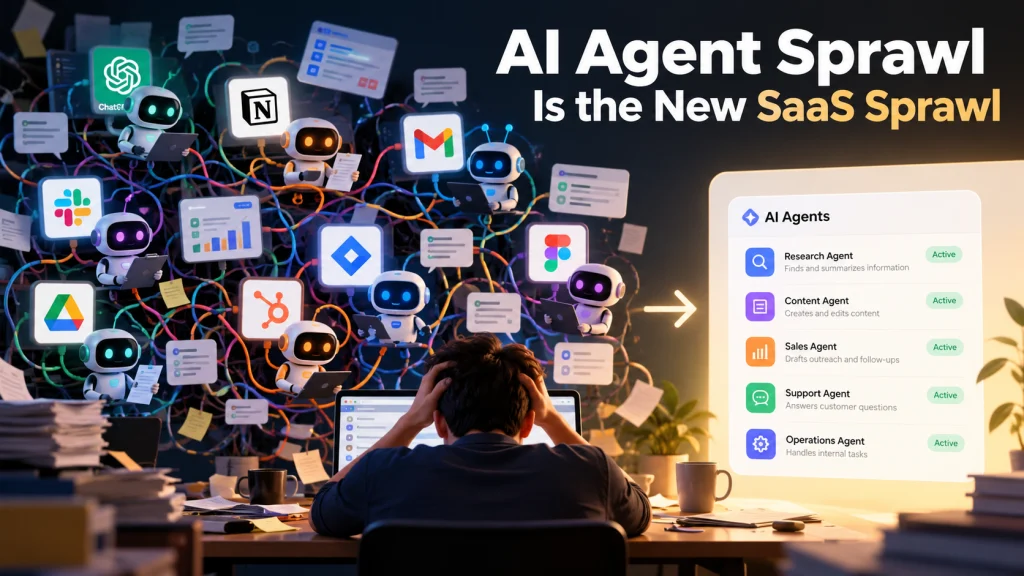
Picture this: it’s Monday, 8:40 AM, and your team got a lot done over the weekend. Or at least, the software did.
The meeting bot has sent a recap of Friday’s planning call with nine action items. The coding agent opened three pull requests overnight. The CRM agent drafted follow-up emails to twenty leads and is waiting for someone to approve them. A research agent left a competitor summary in a browser tab that only one person can see. The standup bot is already asking everyone in Slack what they did yesterday.
Every one of those tools did its job. And you are about to spend the first hour of your week figuring out what any of it means, who should act on it, and whether two of those nine action items are the same thing the coding agent already did.
That hour is what agent sprawl feels like from the inside.
We Have Seen This Movie Before
A few years ago the problem was apps. Every team bought its own tools, every tool had its own login and its own version of the truth, and nobody could say how many the company actually paid for.
That problem never really went away. It just changed shape. Zylo, a company that sells SaaS management software, published its 2026 SaaS Management Index in January 2026, based on the more than 40 million SaaS licenses and $75 billion in spend it manages for customers, plus a survey of 218 IT leaders. In that customer data, total app counts were largely flat year over year, but large enterprises still added an average of 21 applications a month. Business units now control 81% of SaaS spend, while IT directly manages 15%. Spend on apps bought through expense reports rose 267% in a year, and ChatGPT became the most expensed app.
The most useful line in the announcement is not a number, though. Zylo co-founder Ben Pippenger said: “The real risk ahead is velocity.” His point was that how fast tools arrive and get replaced now matters more than how many you have.
Now apply that to agents. They are cheaper to start than an app, easier to spin up without asking anyone, and they don’t sit still.
An App Waits for You. An Agent Doesn’t.
Here is a difference that is easy to miss.
A forgotten SaaS subscription costs you money. It sits there, unused, until someone in finance notices. Annoying, but quiet.
An agent is never quiet. Its whole purpose is to produce things: summaries, drafts, tasks, code, replies. Every one of those outputs lands in front of a human who has to read it, judge it, and decide where it goes next. So the real cost of an agent is the review queue it creates, and the license fee is the small part.
Think of each new agent as a new direct report who never sleeps, never gets tired of sending you things, and has no idea what the other direct reports are doing.
Gartner sees a similar risk in sales teams. In a July 2026 press release, it predicted that by 2028 AI agents will outnumber sellers 10 to 1, yet fewer than 40% of sellers will say agents improved their productivity. That is a forecast, not a measurement, but it came with a pointed warning. Dan Gottlieb, a VP analyst at Gartner, said sales leaders who lack the right data, workflow integration and seller experience “risk creating agent sprawl, with more digital activity, but little improvement in seller impact.”
And one more line from him that every founder should tape to their monitor: “If those systems are fragmented, the agents will scale the fragmentation.”
The Job Nobody Hired For
When agents work in separate places, someone has to connect them. On a small team, that someone is likely to be the manager.
You become the router. You copy the action items from the meeting bot into the task board. You check whether the coding agent’s pull request covers the bug mentioned in the standup. You forward the research summary to the person who actually needs it. You ask the salesperson whether the CRM agent’s drafts are safe to send.
None of that shows up on anyone’s job description. It doesn’t show up in any dashboard either. It just quietly eats the time the agents were supposed to save.
This is why a team can add five agents and feel busier, not calmer. The work didn’t disappear. It moved from “doing the thing” to “keeping track of who did the thing.”
Why Small Teams Feel It First
Big companies have a name for this and a plan. In an April 2026 press release, Gartner predicted that by 2028 an average global Fortune 500 enterprise will have over 150,000 agents in use, up from fewer than 15 in 2025. It also said only 13% of organizations think they have the right AI agent governance in place. Its advice to CIOs includes a central inventory of agents, clear identities and permissions, and retiring redundant agents.
That’s sensible, but a 15-person startup doesn’t have a CIO. It has a founder, a team lead or two, and whoever set up the tool last. Nobody owns the list of agents because there is no list.
The upside is that a small team can fix this in an afternoon. You don’t need a governance program. You need a few honest answers.
What to Do This Week
1. Run a one-page agent audit
List every AI agent, bot or assistant your team uses, including the ones people set up on their own. For each one, write down four things:
- Who asked for it?
- Where does its output land?
- Who reviews that output, by name?
- What would stop happening if you switched it off tomorrow?
If you can’t answer the last question, you probably have your first candidate to switch off.
2. Count landing places, not agents
The number of agents matters less than the number of places their output ends up. Six agents that all write to the same task board are manageable. Three agents that each report to their own dashboard are not. Aim for one place where anything an agent produces becomes visible to the team.
3. Give every agent a human owner
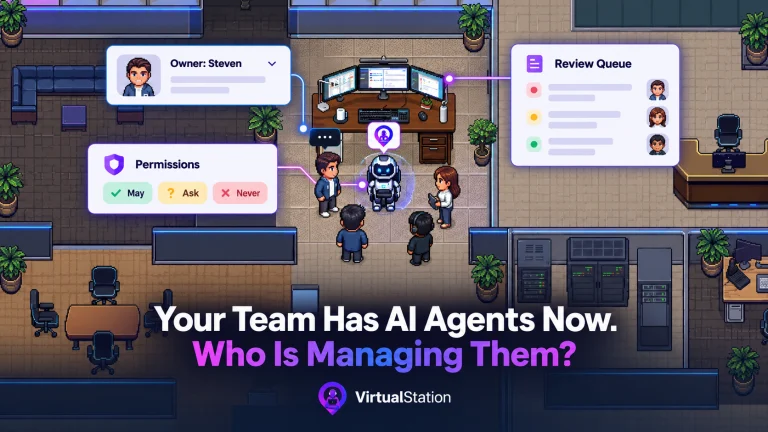
Not a vague “the team.” One person who is responsible for what it produces and for turning it off when it stops being useful. When nobody owns an agent, its output becomes everybody’s inbox and nobody’s job.
4. Measure outcomes, not activity
Gartner’s advice to sales leaders in that July release applies to any team: stop judging AI only by time saved, and look at whether it creates capacity and better outcomes. “The agent wrote 40 summaries” is activity. “We stopped missing follow-ups after client calls” is an outcome.
The Fewer Places, the Better
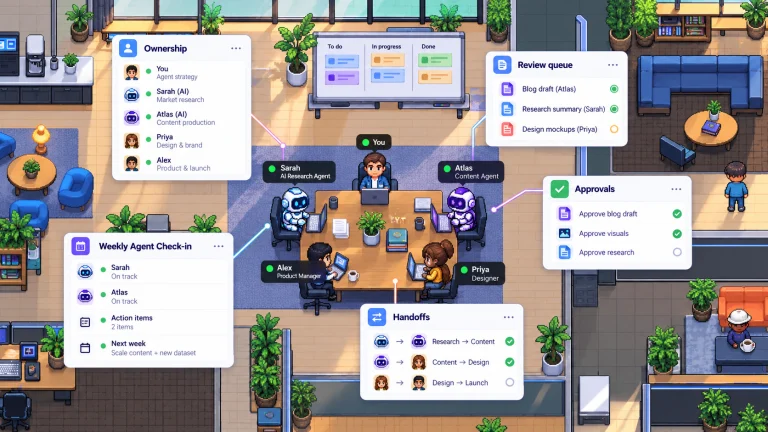
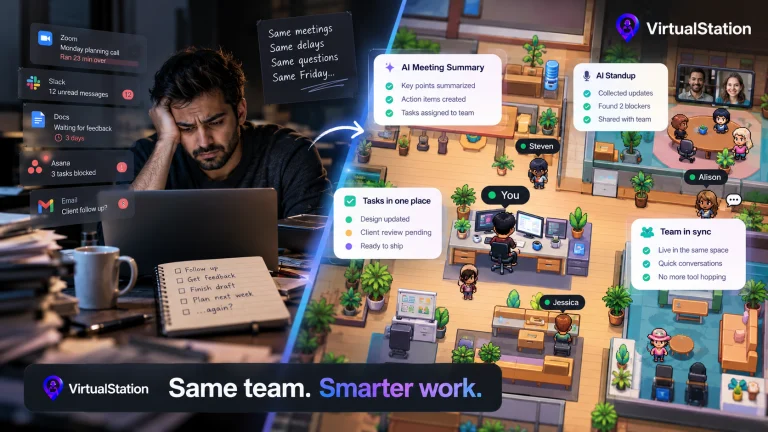
This is the assumption VirtualStation is built on. We think meetings, chat, tasks, standups and AI output should live in the same workspace as the people doing the work. Meeting action items sit in the same workspace as the board the team already checks. When AI standups surface a blocker, it sits next to the task it is blocking. A manager can see who is around, what is moving and what the AI contributed without reconstructing it from five tabs.
It won’t make agent sprawl impossible. Nothing will. But it removes the need for a human router.
The Real Question
It is tempting to ask, “Which agent should we add next?” A better question is, “How many places do I have to look to know what happened today?”
The teams that win with AI won’t be the ones with the most agents. They’ll be the ones where you only have to look in one place.
If that’s the problem you’re dealing with, VirtualStation is being built around exactly this idea. You can try it free and see if it fits how your team works.
Sources
- Zylo, 2026 SaaS Management Index, January 2026
- Gartner, AI agents will outnumber sellers 10 to 1 by 2028, July 2026
- Gartner, Six steps to manage AI agent sprawl, April 2026
From the VirtualStation team
See who's around, what's moving and what's stuck
VirtualStation puts your team's presence, meetings, chat, tasks and AI standups in one workspace, so the answer to "how's it going?" is already on screen.
No credit card required