Saurabh Rai
Remote Work Doesn’t Have a Productivity Problem. It Has a Visibility Problem.
Offices gave managers visibility for free. Remote work took it away, and activity tracking hasn't replaced it. Here's what does.
On this page
- The debate about remote productivity is mostly settled
- The office gave you visibility for free
- More activity data made managers less sure, not more
- Surveillance watches people. Operational visibility watches the work.
- So where does monitoring fit?
- What operational visibility looks like on a normal Wednesday
- The real fix
- Sources
Think about the last office you worked in. You never scheduled a meeting to learn that the release was in trouble. You found out because two engineers were standing at a whiteboard at 6 PM looking worried, or because the designer sighed loudly on her way back from the product manager’s desk.
Nobody called that management. It was just being in the room.
When teams went remote, that room disappeared, and most of the debate since then has been about the wrong thing. We keep asking whether people are productive at home. The better question is why so many managers can’t tell.
The debate about remote productivity is mostly settled
The most careful evidence we have points in one direction. Stanford economist Nick Bloom and his co-authors ran a six-month randomized trial at Trip.com, the Chinese travel company, covering 1,612 employees in 2021 and 2022. Their paper in Nature, published in June 2024, found that letting people work from home two days a week cut quit rates by a third. It made no difference to performance reviews or promotions over the following two years.
The detail we find most telling is about the managers. The researchers asked the 395 managers in the experiment what they thought hybrid work did to productivity. Before the trial, they expected it to cost 2.6% on average. Afterward, they thought it added 1.0%.
Their view changed once they could see the results. That is the whole argument of this piece in one sentence.
The office gave you visibility for free
Offices were never designed as visibility systems, but they worked as one. You could see who was in, who looked stressed, which meeting ran long, and which two people hadn’t spoken all week. None of it was precise. Plenty of it was biased toward whoever sat closest to the boss. But it was constant, and it cost nothing.
Remote work took that away without replacing it. In mid-2022, Microsoft, which sells workplace software including Teams, surveyed 20,006 knowledge workers in 11 countries for its Work Trend Index. Hybrid managers in that survey were more likely than in-person managers to say they had less visibility into their employees’ work (54% vs. 38%), and more likely to say they struggled to trust employees to do their best work (49% vs. 36%).
Visibility and trust fell together. Our view is that the first one drags the second down with it.
More activity data made managers less sure, not more
Here’s the part that should make anyone who sells monitoring software uncomfortable, and that includes us.
The same report gave a name to what came next: “productivity paranoia.” In Microsoft’s description, leaders worry that lost productivity means people aren’t working, even as hours worked, meeting counts and other activity measures have gone up.
Activity went up. Confidence went down. If activity data were the cure for the uncertainty, it would have worked by now.
It doesn’t work because activity is the cheapest signal to collect and the least useful one to act on. It answers “was this person at their computer?” when the manager’s real question is “is the launch going to slip, and why?” The same report warns that when companies measure activity instead of impact, employees often don’t know how or why they’re being tracked, which can erode trust and push people into what it calls “productivity theater.” People learn to look busy for the tool, and the manager gets a cleaner chart that means even less.
Surveillance watches people. Operational visibility watches the work.
This is the distinction we think the whole conversation is missing, so here it is plainly.
Surveillance asks: was this person working? Its data is keystrokes, mouse movement, screenshots and green dots. It is collected about people, usually without much explanation, and it tends to produce defensiveness.
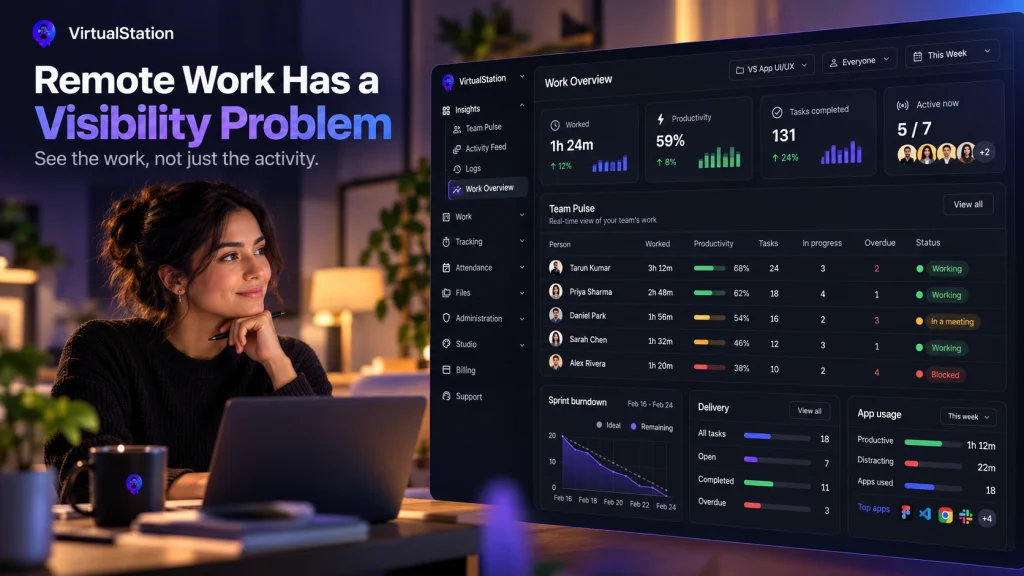
Operational visibility asks: is the work moving? Its data is tasks and who owns them, blockers and how long they’ve sat there, decisions and where they were made, who is available right now, and whether meeting outcomes turned into anything. It is created by the team as a side effect of working together, and everyone can see it.
The first tells you that Sam was active for seven hours on Tuesday. The second tells you that Sam has been waiting two days for an answer from legal, which is the thing you could actually fix.
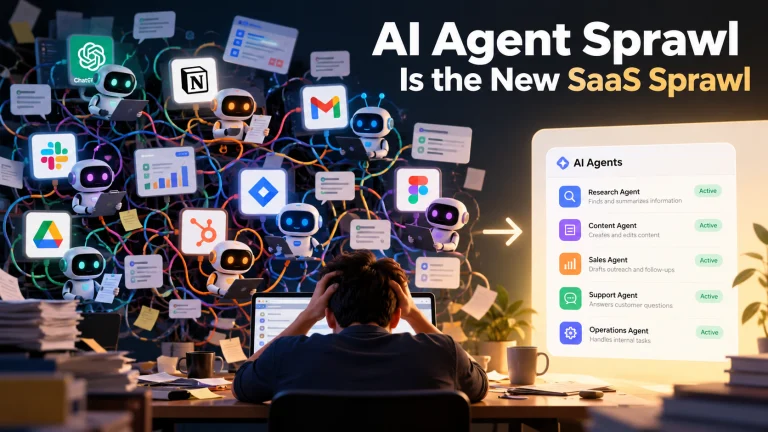
A remote team can easily have lots of the first kind and very little of the second. Their tasks live in one tool, decisions in another, meeting notes in a third, and status in people’s heads. So the manager falls back on pinging people, or on the tracking dashboard, because those are the only signals that are easy to get.
So where does monitoring fit?
We should be honest here, because we build this stuff. VirtualStation has attendance and time tracking, and while someone has started tracking their time, it can take screenshots and record which apps and URLs they use. Tracking never starts by itself.
We built it because some teams genuinely need it. An agency billing clients by the hour needs proof of time. A company working with contractors may want records. Some people like having an honest picture of where their own day went.
What we don’t believe is that it should be the first thing a manager reaches for. Our view is simple: make the work visible first. If you add monitoring on top, make it a decision the team knows about, with clear rules about when it runs, who sees it and what it’s for. A tool used that way is a record. The same tool used quietly, as a substitute for knowing what’s going on, is surveillance.
What operational visibility looks like on a normal Wednesday
It isn’t a big transformation. For most teams of 5 to 50 people it comes down to a few habits:
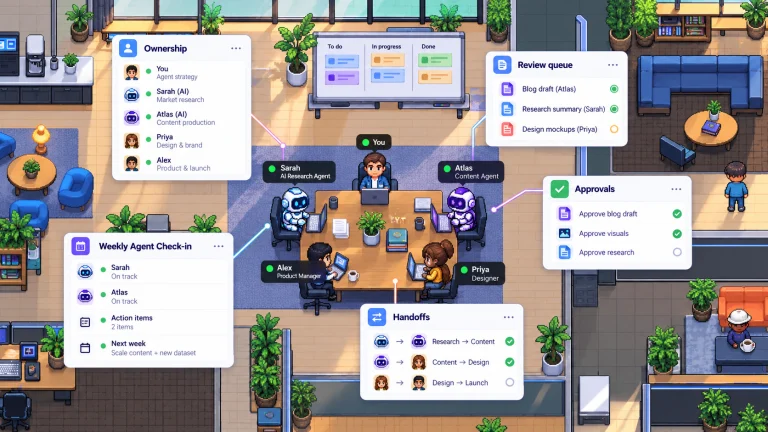
- Every commitment lives on a shared board with one owner, so status can be looked up instead of asked for.
- Blockers have an obvious place to go, and raising one is treated as useful.
- Meetings end with action items turned into tasks, in the same place as the rest of the work.
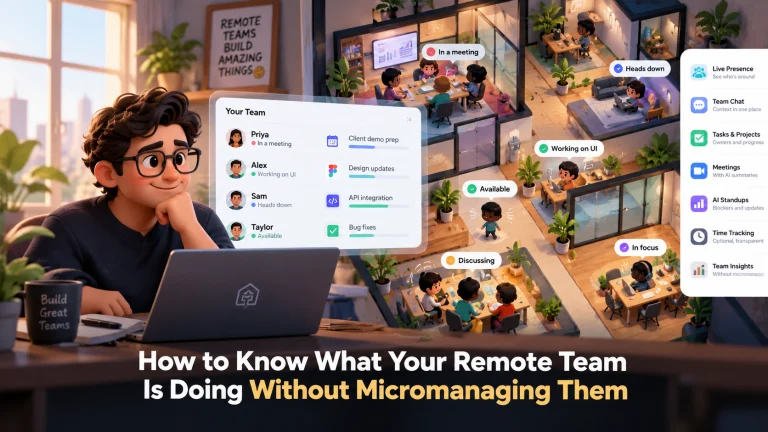
- Presence is visible in a light way, so “heads down” and “in a call” don’t look like “gone”.
- The daily check-in is written, short and async.
None of these require watching anyone. All of them give a manager the thing the office used to provide: a sense of where things stand, without having to ask.
This is the assumption VirtualStation is built on. The virtual office shows who’s around and who’s in a meeting. Tasks, chat and meetings share one workspace. AI standups collect updates and surface blockers, meeting summaries suggest action items, owners and due dates, and overdue tasks are visible per person. Time tracking and its monitoring features sit in the same place, for teams that choose to use them.
The real fix
Remote teams don’t need to be watched more closely. They need to be easier to understand.
Give managers a clear view of the work, and most of the urge to watch the workers goes away on its own. Bloom’s managers didn’t need screenshots to change their minds. They needed to see what actually happened.
If this is the kind of problem you’re working through, VirtualStation is being built around exactly this idea, and there’s a free trial if you want to see it for yourself.
Sources
- Nicholas Bloom, Ruobing Han and James Liang, Nature, Hybrid working from home improves retention without damaging performance, June 2024
- Microsoft, Hybrid Work Is Just Work. Are We Doing It Wrong?, September 2022
From the VirtualStation team
See who's around, what's moving and what's stuck
VirtualStation puts your team's presence, meetings, chat, tasks and AI standups in one workspace, so the answer to "how's it going?" is already on screen.
No credit card required