Linear: plan the release
Issues, cycles, projects, and initiatives organize product delivery.
Linear gives product teams a focused system for issues, cycles, and releases. VirtualStation connects projects and tasks with a live office, team chat, and meetings, so the people moving the work forward are close by.
Free forever · No credit card

The quick verdict
Choose around your daily workflow. Linear is built around product development, from planning to delivery. VirtualStation suits teams that want project coordination and everyday collaboration in the same workspace.
Issues, cycles, projects, and initiatives organize product delivery.
Tasks and project updates give people a shared view of what comes next.
Bring a design review or a quick question into the office where your team works.
Connect project progress with team presence, meetings, and time tracking.
Feature comparison
41 features from VirtualStation’s plan table, so the rows show what we built, not every strength of each tool.
| Features | VS VirtualStation | L Linear |
|---|---|---|
| Office | ||
| People | ✓Yes | ✓Yes |
| Workspace | ✓Yes | ∼Limited |
| Virtual rooms | ✓Yes | ?Unknown |
| Walk up and talk | ✓Yes | ?Unknown |
| Custom map | ✓Yes | ?Unknown |
| Master maps | EEnterprise-only | ?Unknown |
| Custom avatar | ✓Yes | ?Unknown |
| Meetings | ||
| Meetings and screen share | ✓Yes | ?Unknown |
| Remote control | ✓Yes | ?Unknown |
| Picture in picture | ✓Yes | ?Unknown |
| Guest access | ✓Yes | ∼Limited |
| Visitor door | EEnterprise-only | ?Unknown |
| Video Messages | ✓Yes | ?Unknown |
| Broadcast | ✓Yes | ?Unknown |
| AI | ||
| AI credits | ✓Yes | ∼Limited |
| AI meeting notes | ✓Yes | ?Unknown |
| Live captions | ✓Yes | ?Unknown |
| AI Assistant | ✓Yes | ∼Limited |
| AI Manager | ✓Yes | ∼Limited |
| Company Context | ✓Yes | ✓Yes |
| Work | ||
| Chat | ✓Yes | ∼Limited |
| Tasks | ✓Yes | ✓Yes |
| Todo | ✓Yes | ✓Yes |
| Projects | ✓Yes | ✓Yes |
| Scrum board | ✓Yes | ✓Yes |
| Whiteboard | ✓Yes | ?Unknown |
| Docs | ✓Yes | ✓Yes |
| Storage | ✓Yes | ✓Yes |
| Drive | ✓Yes | ?Unknown |
| Team management | ||
| Time tracker | ✓Yes | ↗Via integration |
| App tracker | ✓Yes | ?Unknown |
| Team Pulse | ✓Yes | ∼Limited |
| Attendance and leave | ✓Yes | ?Unknown |
| Activity feed | ✓Yes | ✓Yes |
| Activity logs | ✓Yes | EEnterprise-only |
| Roles and permissions | ✓Yes | ✓Yes |
| Apps and support | ||
| Desktop app | ✓Yes | ✓Yes |
| Mobile app | ✓Yes | ✓Yes |
| Support | ✓Yes | ✓Yes |
| Dedicated manager | EEnterprise-only | EEnterprise-only |
| Onboarding | EEnterprise-only | EEnterprise-only |
Research checked . Availability can vary by plan. “Not listed” means not on the vendor’s public feature or pricing pages as of 4 Nov 2026. “Unknown” means those pages were unclear.
Product names are trademarks of their owners. Comparisons use each vendor’s public pages as of 4 November 2026. Tell us if something has changed.
From issue to outcome
A launch involves engineers, designers, and the people taking it to customers. Compare how they work together.
01 / Plan
Linear brings issues, cycles, and initiatives into a focused development workflow. VirtualStation offers projects and tasks alongside chat and office presence, helping a mixed team coordinate the same launch.
Explore projects and tasks
02 / Discuss
An issue describes the problem. Sometimes a short conversation is the next step. In VirtualStation, see who is available, walk over, share your screen, and work through the detail together.
Explore live collaboration
03 / Follow through
Linear offers AI workflows for product development. VirtualStation brings Company Context and meeting summaries into its broader workspace, helping teammates revisit discussions and find the context behind a task.
Explore meeting summaries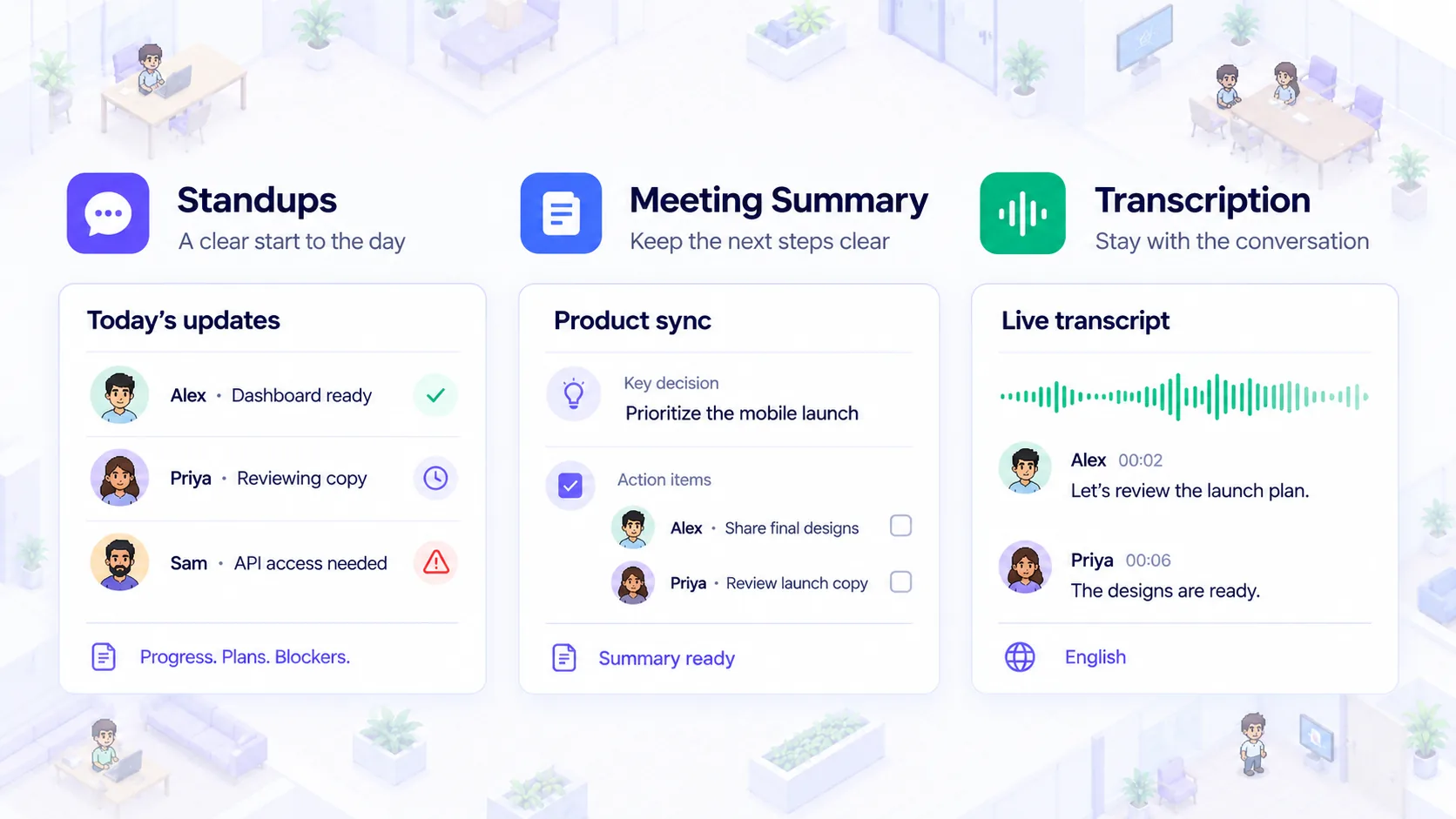
Product previews are illustrative. Feature availability varies by plan.
A launch day in VirtualStation
An example of how product, design, and marketing can work through the same decision.
Review the task and identify the person responsible for the next step.
Meet in the office, share the work, and agree on the change.
Assign the follow-up and keep the project status current for everyone.
Choose your fit
Choose the workflow that matches how your team gets work done.
Plan your move
Choose a small project with product, design, and another team. Compare how easily people find the work, reach its owner, and close the loop before changing your development process.
Note the people, projects, files and conversations your team needs to keep.
Set up rooms and a starter project for one small team in VirtualStation.
Review how the workday feels, then invite the rest of the team.
FAQ
Still deciding? Our team is happy to help you compare.
Talk to us