Both bring people together
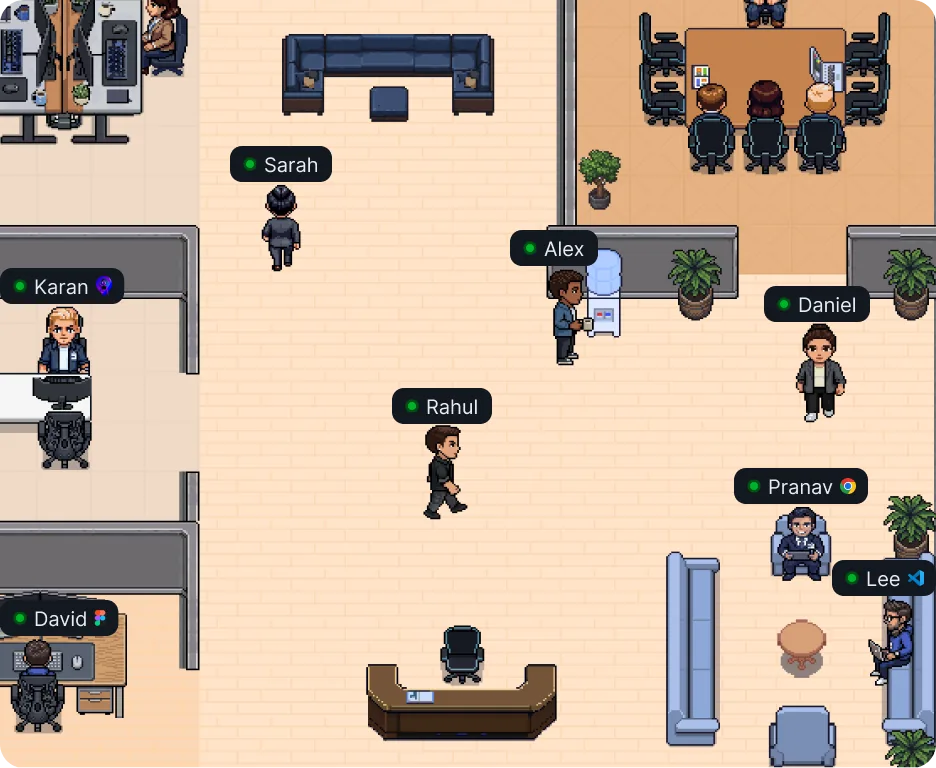
See teammates, work in shared spaces, and capture meeting context.
Both platforms bring remote teammates together. VirtualStation connects that presence to projects, conversations, meetings, and the work that follows.
Free forever · No credit card
The quick verdict
Both offer customizable offices, spontaneous conversations, and AI meeting notes. SoWork leans into meeting memory and team analytics; VirtualStation leans into the work itself, with projects, tasks and time tracking beside the office.
See teammates, work in shared spaces, and capture meeting context.
Transcripts and AI meeting notes keep the discussion close.
Bring native projects, tasks, docs, and team operations into the office workspace.
Feature comparison
41 features from VirtualStation’s plan table, so the rows show what we built, not every strength of each tool.
| Features | VS VirtualStation | S SoWork |
|---|---|---|
| Office | ||
| People | ✓Yes | ✓Yes |
| Workspace | ✓Yes | ✓Yes |
| Virtual rooms | ✓Yes | ✓Yes |
| Walk up and talk | ✓Yes | ✓Yes |
| Custom map | ✓Yes | ✓Yes |
| Master maps | EEnterprise-only | ?Unknown |
| Custom avatar | ✓Yes | ✓Yes |
| Meetings | ||
| Meetings and screen share | ✓Yes | ✓Yes |
| Remote control | ✓Yes | ?Unknown |
| Picture in picture | ✓Yes | ✓Yes |
| Guest access | ✓Yes | ✓Yes |
| Visitor door | EEnterprise-only | ✓Yes |
| Video Messages | ✓Yes | ?Unknown |
| Broadcast | ✓Yes | ✓Yes |
| AI | ||
| AI credits | ✓Yes | ?Unknown |
| AI meeting notes | ✓Yes | ✓Yes |
| Live captions | ✓Yes | ×Not listed |
| AI Assistant | ✓Yes | ↗Via integration |
| AI Manager | ✓Yes | ?Unknown |
| Company Context | ✓Yes | ∼Limited |
| Work | ||
| Chat | ✓Yes | ✓Yes |
| Tasks | ✓Yes | ?Unknown |
| Todo | ✓Yes | ?Unknown |
| Projects | ✓Yes | ?Unknown |
| Scrum board | ✓Yes | ?Unknown |
| Whiteboard | ✓Yes | ✓Yes |
| Docs | ✓Yes | ?Unknown |
| Storage | ✓Yes | ∼Limited |
| Drive | ✓Yes | ↗Via integration |
| Team management | ||
| Time tracker | ✓Yes | ∼Limited |
| App tracker | ✓Yes | ∼Limited |
| Team Pulse | ✓Yes | ✓Yes |
| Attendance and leave | ✓Yes | ∼Limited |
| Activity feed | ✓Yes | ?Unknown |
| Activity logs | ✓Yes | ?Unknown |
| Roles and permissions | ✓Yes | ✓Yes |
| Apps and support | ||
| Desktop app | ✓Yes | ✓Yes |
| Mobile app | ✓Yes | ✓Yes |
| Support | ✓Yes | ✓Yes |
| Dedicated manager | EEnterprise-only | ?Unknown |
| Onboarding | EEnterprise-only | EEnterprise-only |
Research checked . Availability can vary by plan. “Not listed” means not on the vendor’s public feature or pricing pages as of 4 Nov 2026. “Unknown” means those pages were unclear.
Product names are trademarks of their owners. Comparisons use each vendor’s public pages as of 4 November 2026. Tell us if something has changed.
Beyond being together
The best virtual office helps people meet. The next question is how their work stays connected.
01 / Presence and progress
SoWork and VirtualStation both make teammates easier to reach. In VirtualStation, that presence sits alongside projects and tasks, so a quick conversation has a clear place to land.
Explore the virtual office
02 / Work in the same place
Keep projects, tasks, and documents near the people discussing them. VirtualStation gives teams a place to follow progress as well as talk about it.
Explore projects and tasks
03 / AI with context
SoWork offers a searchable meeting library and AI summaries. VirtualStation also brings Company Context into the wider workspace, where questions about projects, people, and meetings can guide the next action.
Explore Company Context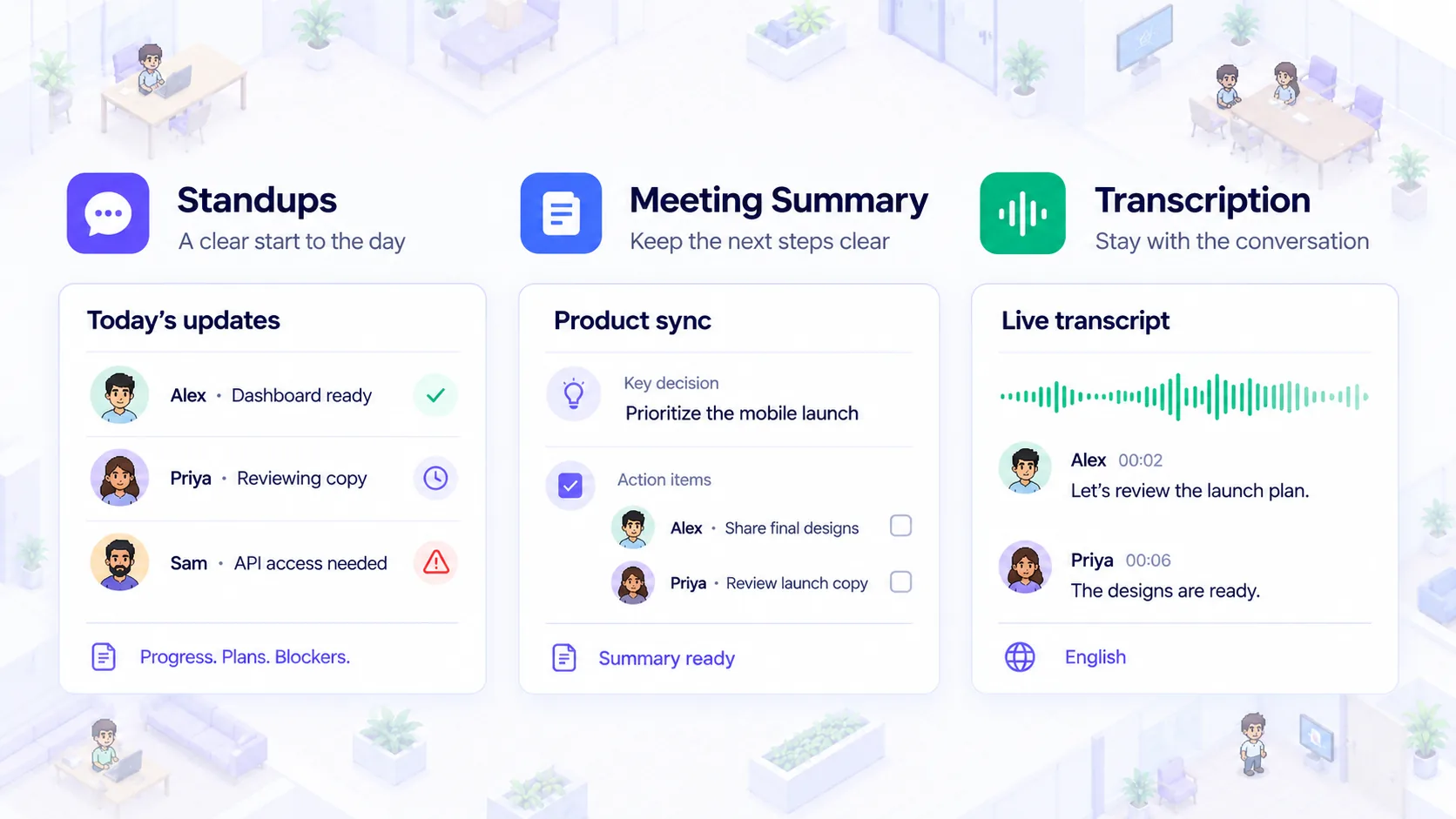
04 / Team operations
Both products offer ways to understand team activity. VirtualStation also brings time and app tracking, attendance, and leave into its team-management toolkit, with availability depending on plan.
Explore team insights
Product previews are illustrative. Feature availability varies by plan.
One connected workday
A virtual office can be the beginning of the day, not a separate destination.
See who is around and start a conversation without scheduling a call.
Capture work in projects and tasks while the context is fresh.
Use meetings, AI context, and team insights to follow through.
Choose your fit
Start with the reason your team wants a shared space.
Plan your move
Moving virtual offices is a people change as much as a tool change. Start with one group and learn what they need before moving everyone.
Note the people, projects, files and conversations your team needs to keep.
Set up rooms and a starter project for one small team in VirtualStation.
Review how the workday feels, then invite the rest of the team.
FAQ
Still deciding? Our team is happy to help you compare.
Talk to us