Saurabh Rai
Spatial Audio vs Video Rooms: What Changes in a Working Day
A video room is somewhere you go on purpose. A spatial office is somewhere you already are. Here is what that changes, and when video is better.
On this page
- Spatial Audio Means Two Different Things, So Ask Which One
- Through a Working Day, the Difference Is What Starts a Conversation
- What You Gain Is the Conversation That Never Justified a Call
- What a Spatial Audio Virtual Office Costs You Is Being Reachable
- Video Rooms Are the Better Tool More Often Than You Would Guess
- Test the Habit Before You Buy the Map
- Where VirtualStation Lands
- Sources
The first thing people notice about spatial audio is the least important thing about it.
Yes, voices get louder as you walk toward them. It is a nice effect for about a day. So ask a different question: what happens at 10:40 on a Tuesday, when a developer has a two-minute question for a designer?
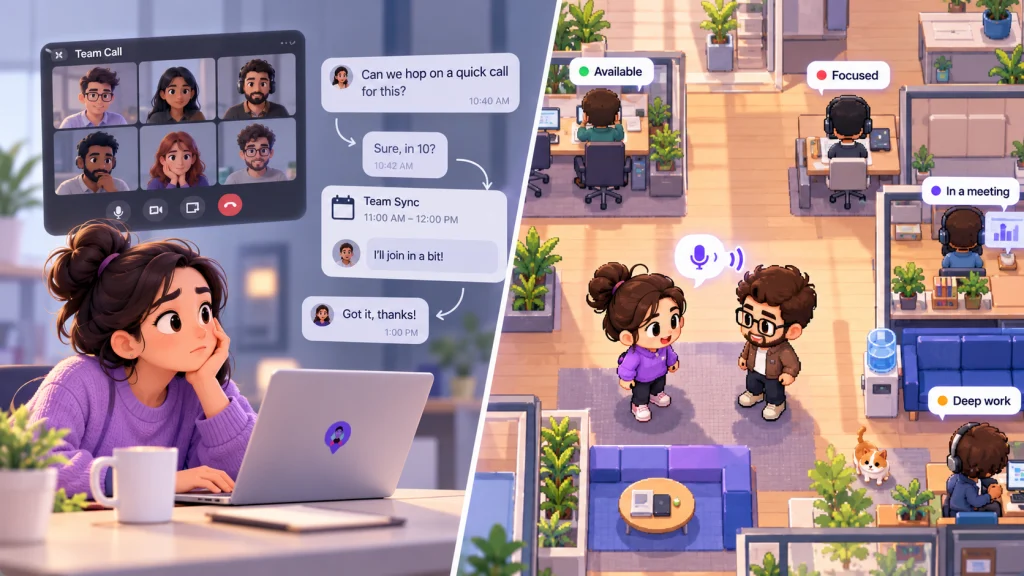
On a team that lives in video rooms, she decides it is not worth a call and types it. He answers at 1. Or she sends a link, he joins from the middle of something, and two minutes takes nine, because nobody ends a call they just started. In a spatial audio virtual office, she moves her avatar next to his and asks. If he is heads down, she can see that before she gets there.
A video room is somewhere you go on purpose. A spatial office is somewhere you already are. Almost every difference in the working day follows from that, including several that count against the spatial office.
We sell one of these, so weigh this accordingly. We have tried to be straight about where video rooms win, and they win more often than our category admits.
Spatial Audio Means Two Different Things, So Ask Which One
The first meaning is voices placed in a meeting, so that people seem to speak from different directions. A 2023 Microsoft Research paper tested this with 75 employees of a global technology company on group survival tasks, with the effect on and off. Spatial audio raised perceptions of interactivity, shared space and ease of understanding. Microsoft sells meeting software, and these are perceptions from a short task, not results from a working month.
The second meaning is proximity: what you hear depends on where you stand on a map. Kumospace describes moving around a virtual office and connecting with spatial audio, and Gather lists hearing nearby conversations. This is the kind that changes a day, and it is what we mean below.
One warning before the rest. We did not find an independent field study showing that proximity audio makes remote teams faster or happier. What follows is reasoning backed by nearby research, and you should test it on your own team.
Through a Working Day, the Difference Is What Starts a Conversation
| Moment | Spatial office | Video room | Usually better |
|---|---|---|---|
| Starting the day | You arrive somewhere and can see who else is in | Nothing happens until the first invite | Spatial, if people actually log in |
| A two-minute question | Walk over, or see that they are busy and leave a message | Message and wait, or send a link | Spatial |
| Three people untangling a bug | Gather in one spot, and others can drift in or away | Someone creates a room and invites people | Spatial |
| Hours of heads-down work | You stay visible, so it takes a norm to protect you | Nothing reaches you unless you are invited | Video room |
| Weekly planning with an agenda | Works, but the map adds nothing | Built for exactly this | Video room, or a tie |
| A client call | A guest has to make sense of a map | A link everyone already understands | Video room |
| A hard conversation | Possible behind a door | A scheduled room signals that this one matters | Video room |
What You Gain Is the Conversation That Never Justified a Call
The real product of a spatial office is small talk about work: the question too minor to schedule and too awkward to type. In a video-room setup, those questions wait, shrink into a message, or die. A lot of them should die. Some were the warning that two people had understood a plan differently.
There is a possible second gain, and it is less about audio than about habit. In a 2021 field experiment with 103 employees and 1,408 daily observations, camera use was linked to more daily fatigue, which in turn went with less voice and engagement in meetings. Nothing stops a video room from going camera-off, and plenty do. But walking over for a quick word makes audio-only feel normal, and that may be harder to establish in a meeting grid.
What a Spatial Audio Virtual Office Costs You Is Being Reachable
The pitch sounds like an office without the commute, so remember what happened to real offices. In a 2018 study of two corporate headquarters moving to open plans, wearable sensors showed face-to-face interaction fell by about 70%, while email and messaging rose. Those were physical offices, so applying this to a virtual floor is our inference. Still, the human response is easy to recognize: remove the walls and people build their own.
On a virtual floor that means sitting muted in a corner and messaging the person two desks away. Vendors know this. Gather’s features page says you are muted by default and hear public conversations only if you choose. That is the right design, and it also means the romantic version, overhearing the useful thing by accident, is often switched off.
A video room asks you to justify a conversation. A spatial office asks you to justify not being available.
Some people will take that trade gladly. Others will feel watched by a map, however kindly it was meant, so ask them before you buy. There is also a plain participation problem. A floor with 4 of your 12 people on it is not an office. It is an empty building with good lighting.
Video Rooms Are the Better Tool More Often Than You Would Guess
Stay with video rooms, or keep them alongside, when:
- Outsiders are involved. Clients and candidates understand a link. Nobody should have to learn your floor plan to buy from you.
- The meeting has an agenda and one speaker at a time. Walking to it adds nothing.
- The conversation is hard. Feedback and bad news deserve a deliberate time and full attention.
- Your hours barely overlap. If people share an hour a day, there is rarely anyone to walk over to, and writing will serve you better.
- You are four people. A group chat and an occasional call already do the job.
- Most of the day is deep work. Then the two-minute question is a rare event, and you do not need a building for it.
Group decisions deserve a note too. A 2022 study in Nature, using a lab study and a field experiment across five countries, found that videoconferencing reduced creative idea generation because a screen narrows attention, but found no evidence that it made groups worse at choosing between ideas. So a video room is fine for deciding. The study did not test spatial offices, and a map is also on a screen, so this is no point for our side. For real idea generation, try having people write ideas alone first.
Test the Habit Before You Buy the Map
You can get most of the answer in a week, for free:
- Keep a tally starting tomorrow. Each person notes every two-minute question they had for a colleague, how long the answer took, and any they gave up on.
- Open one plain video room for two hours a day during your overlap, cameras optional. Anyone with a quick question goes there.
- Read it on Friday. A short tally means video rooms are serving you, so stop shopping. If the tally is long and the room filled up, people want this, and the awkwardness of joining a call is what a spatial office removes. If the tally is long and nobody came, your team prefers to write, and a map will not change that.
This is an imperfect stand-in, because joining a call takes more nerve than walking past a desk. It will still tell you whether the appetite exists.
Related reading: virtual office software compared.
Where VirtualStation Lands
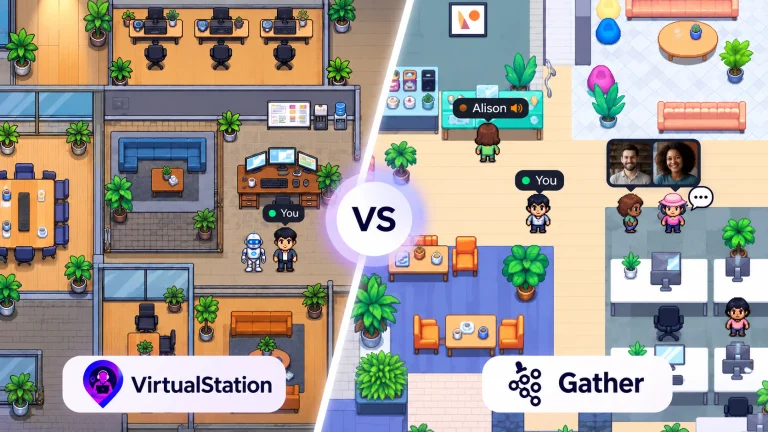
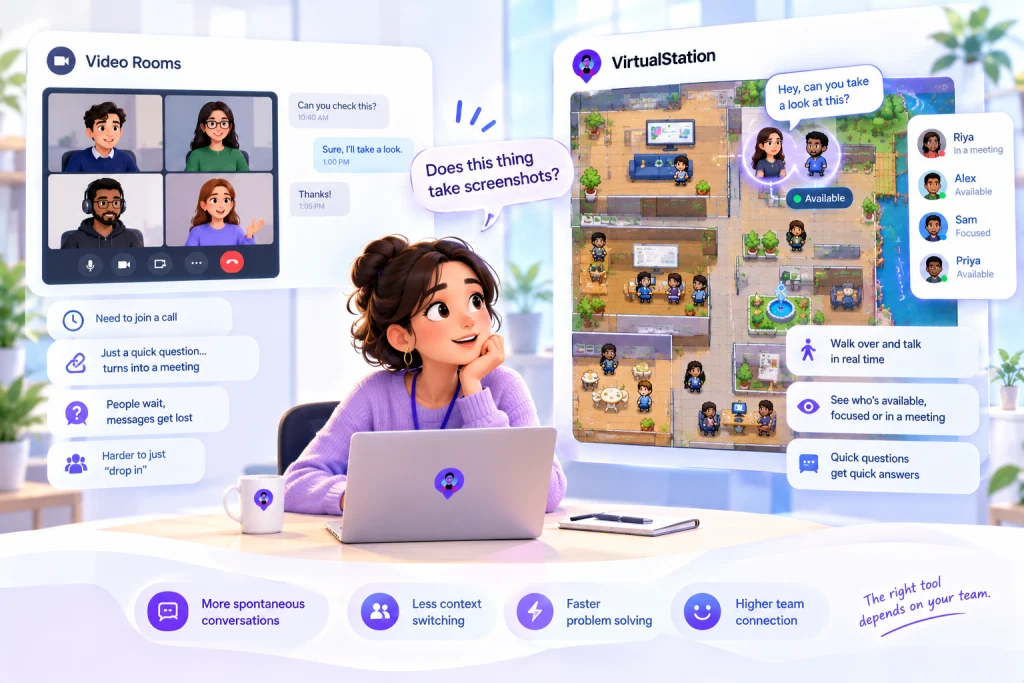
VirtualStation is built on spatial presence: move next to someone and start talking, with no link or invite, and see who is available, focused or in a meeting. Rooms also hold meetings with video, audio and screen sharing, so you are not choosing one mode forever, and on Pro, guests can join a meeting without an account. Free covers up to 5 people, 3 rooms and meetings up to 45 minutes.
Everything in this article about reachability applies to ours as well. It only works if people are in it, and a team that hates being on a map should not be talked into one.
If your meetings are the problem, better rooms will not help. If the two-minute question is the problem, it never needed a room at all.
Sources
- Microsoft Research, Hear We Are: Spatial Audio Benefits Perceptions of Turn-Taking and Social Presence in Video Meetings, June 2023
- Shockley and colleagues, The fatiguing effects of camera use in virtual meetings, Journal of Applied Psychology, 2021
- Bernstein and Turban, The impact of the ‘open’ workspace on human collaboration, Philosophical Transactions of the Royal Society B, 2018
- Brucks and Levav, Virtual communication curbs creative idea generation, Nature, 2022
- Gather, Features
- Kumospace, Product overview
- VirtualStation, Pricing
From the VirtualStation team
See who's around, what's moving and what's stuck
VirtualStation puts your team's presence, meetings, chat, tasks and AI standups in one workspace, so the answer to "how's it going?" is already on screen.
No credit card required